Setting up the Wahoo Kickr Core 2

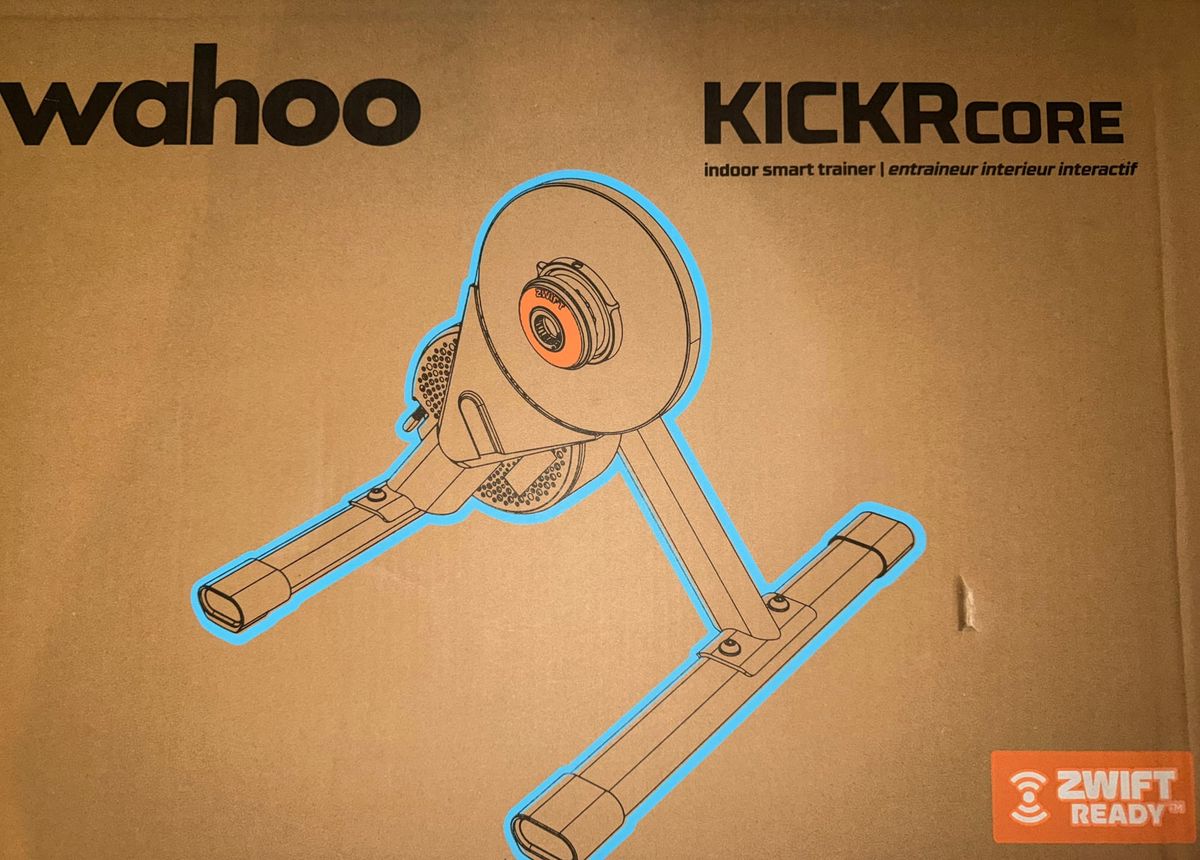
I’ve been a good boy this year, and Santa has rewarded me with a Wahoo Kickr Core 2! About 7-8 years ago I had a Trax roller for a short time, but it was too noisy and tricky to set up, so I didn’t end up using very much. As such I very much see myself as a beginner when it comes to indoor cycling.
Kickr Core 2
I’ve no experience of the original Kickr Core but the changes do not seem too significant - in fact many websites don’t recommend upgrading unless you need the Race Mode. The Wahoo website states the following new features over the original:
- New! Race Mode with ultra-fast power data updates
- New! Integrated WiFi with automatic updates and KICKR Bridge
- New! Updated LED system for clearer connection and status feedback
- New! Redesigned legs for faster setup and better stability
My Kickr Core 2 came pre-installed with the Zwift Cog and Click (my choice) but it can be changed to an 11 speed cassette if needed or if you prefer the mechanical feel of gear changes.
Setting up the Kickr Core 2
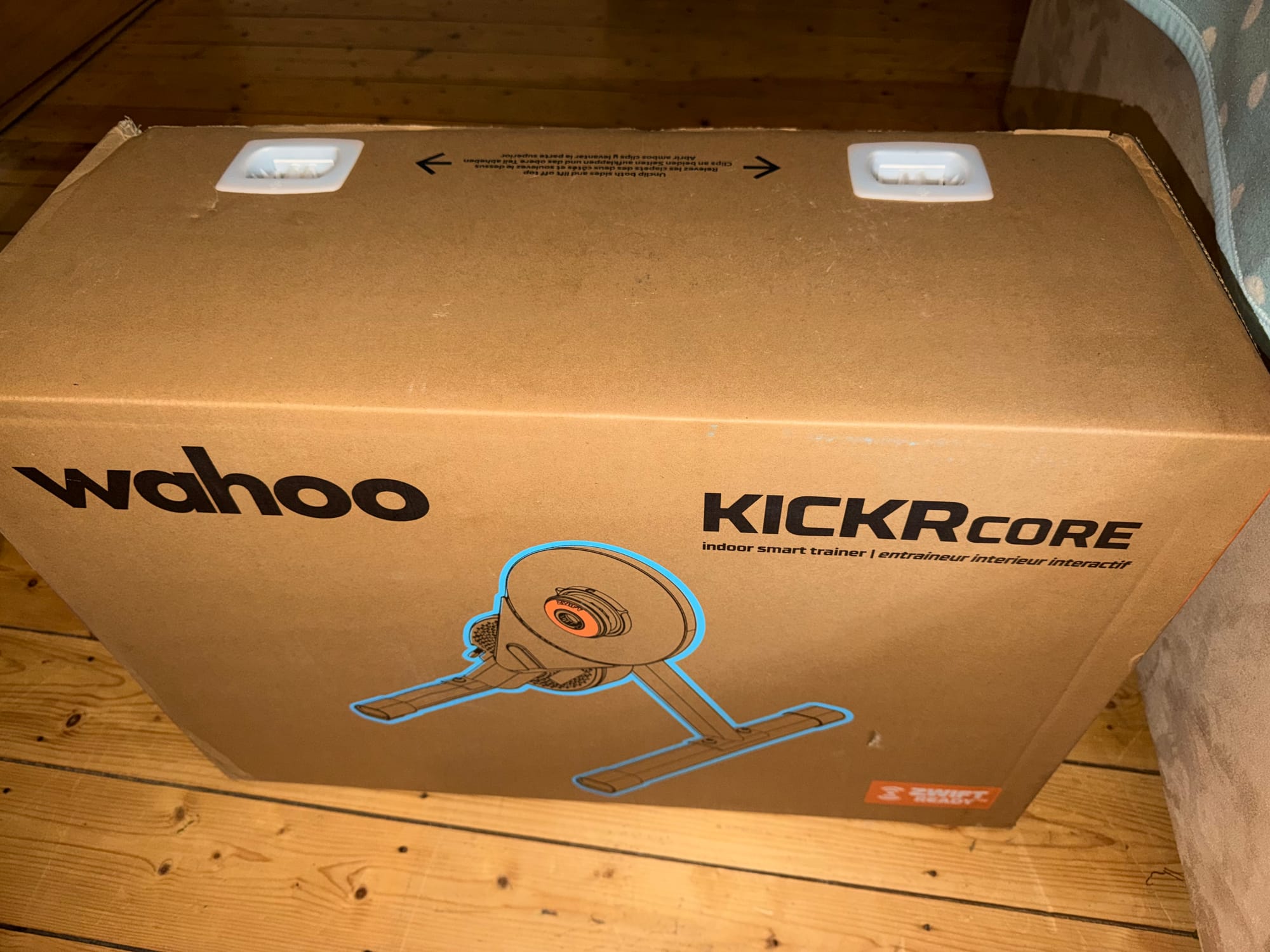
The Wahoo Kickr Core 2 comes well packaged in a large box.
Inside the box there’s the main Kickr Core, the legs, instructions, Zwift Click and a through axle or QR axle depending on which type of axle your bike has.
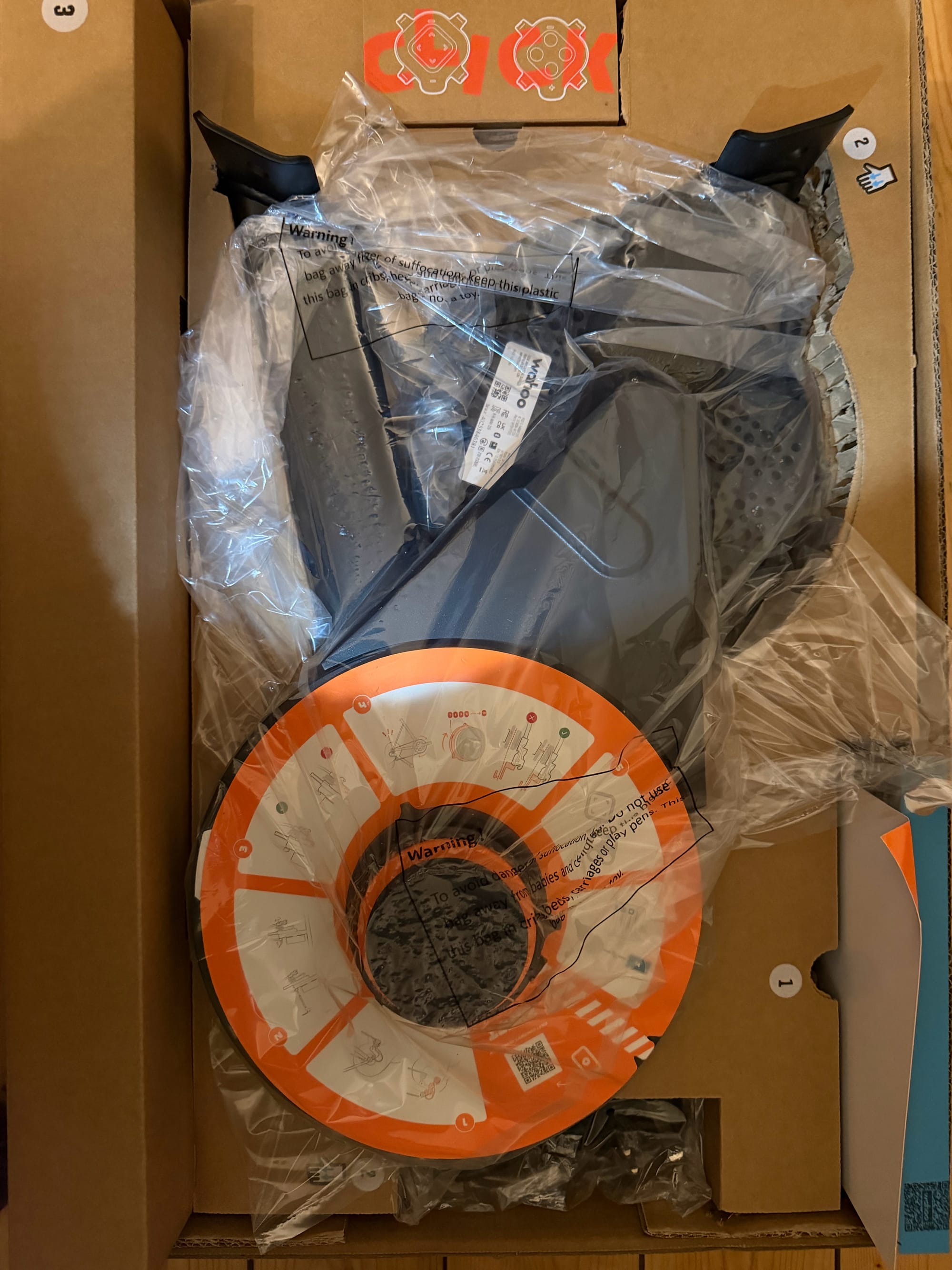
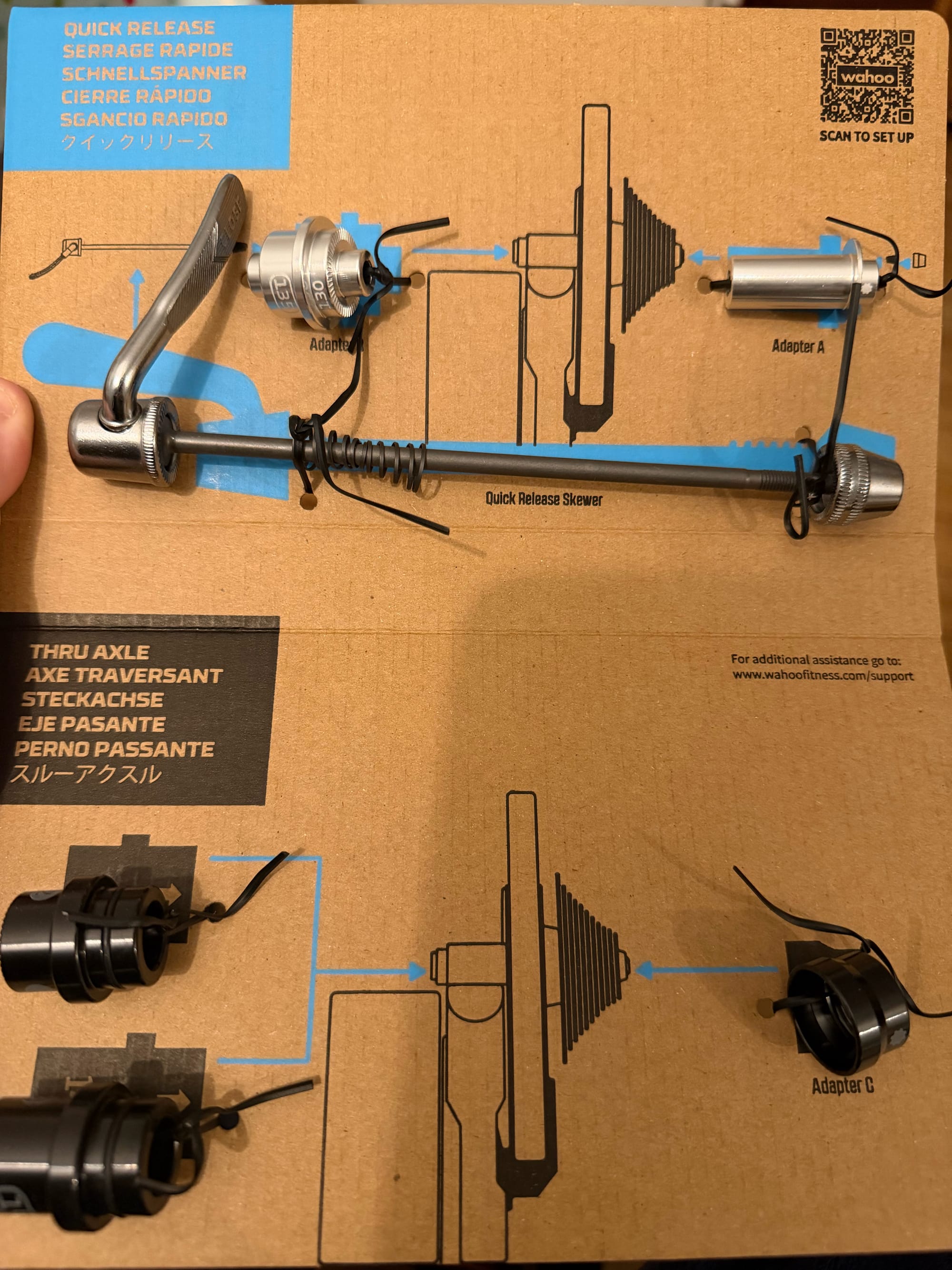
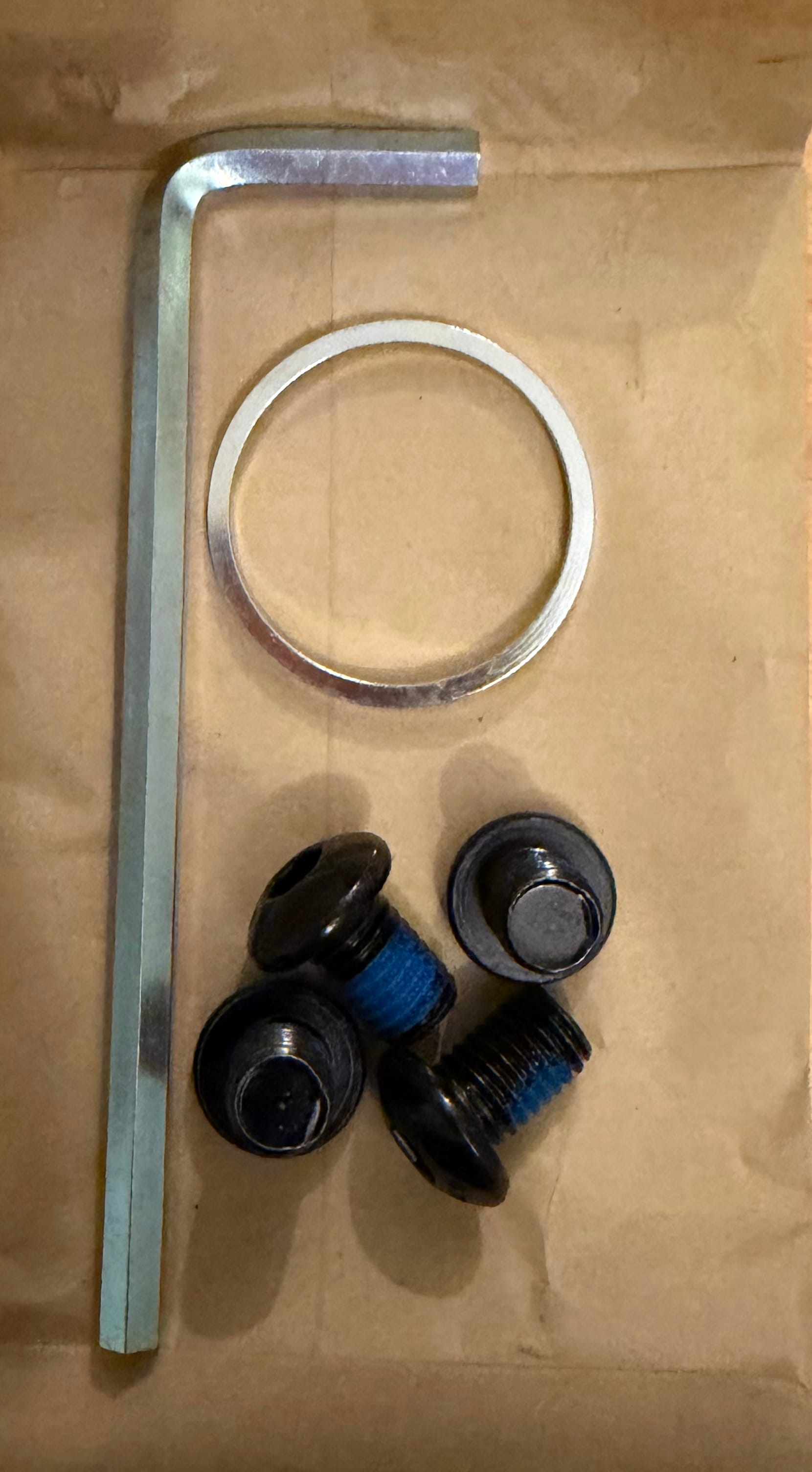
On the back of the box there is a QR code to help you set up the Kickr Core correctly although this wasn’t really needed.
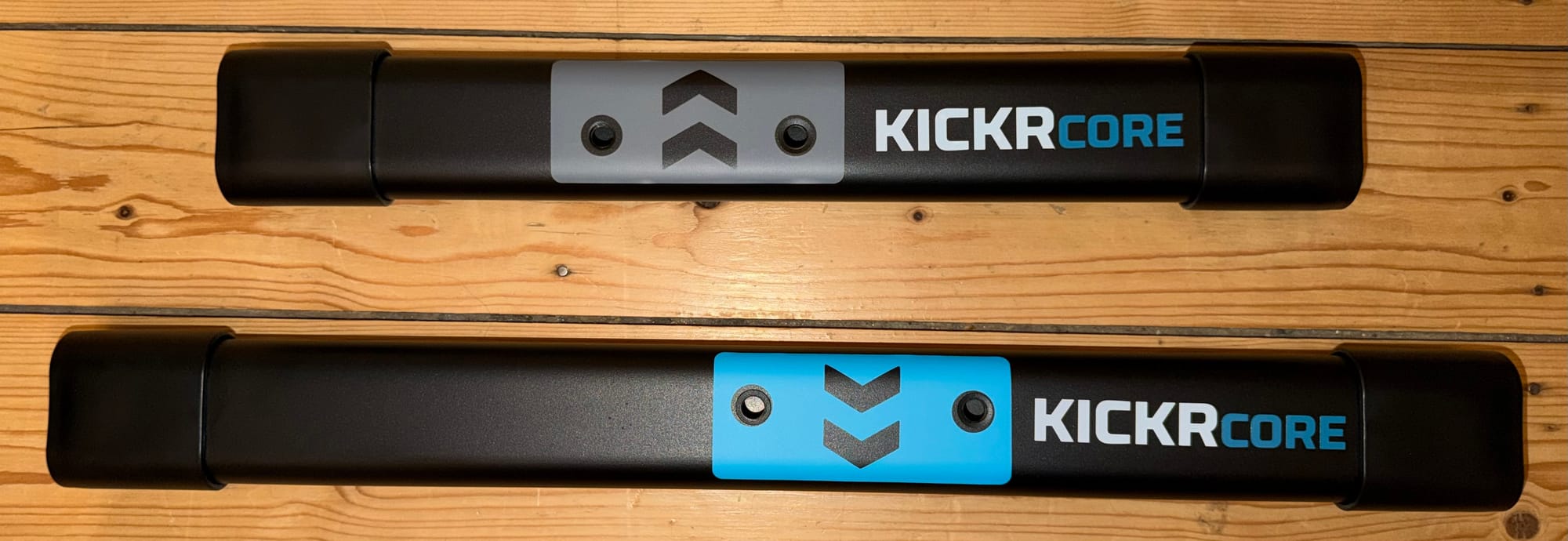
First step is to connect the legs - both colour coded and with arrows to ensure the correct orientation. These are screwed in with two bolts each.
Once the legs are connected it’s time to connect the bike.
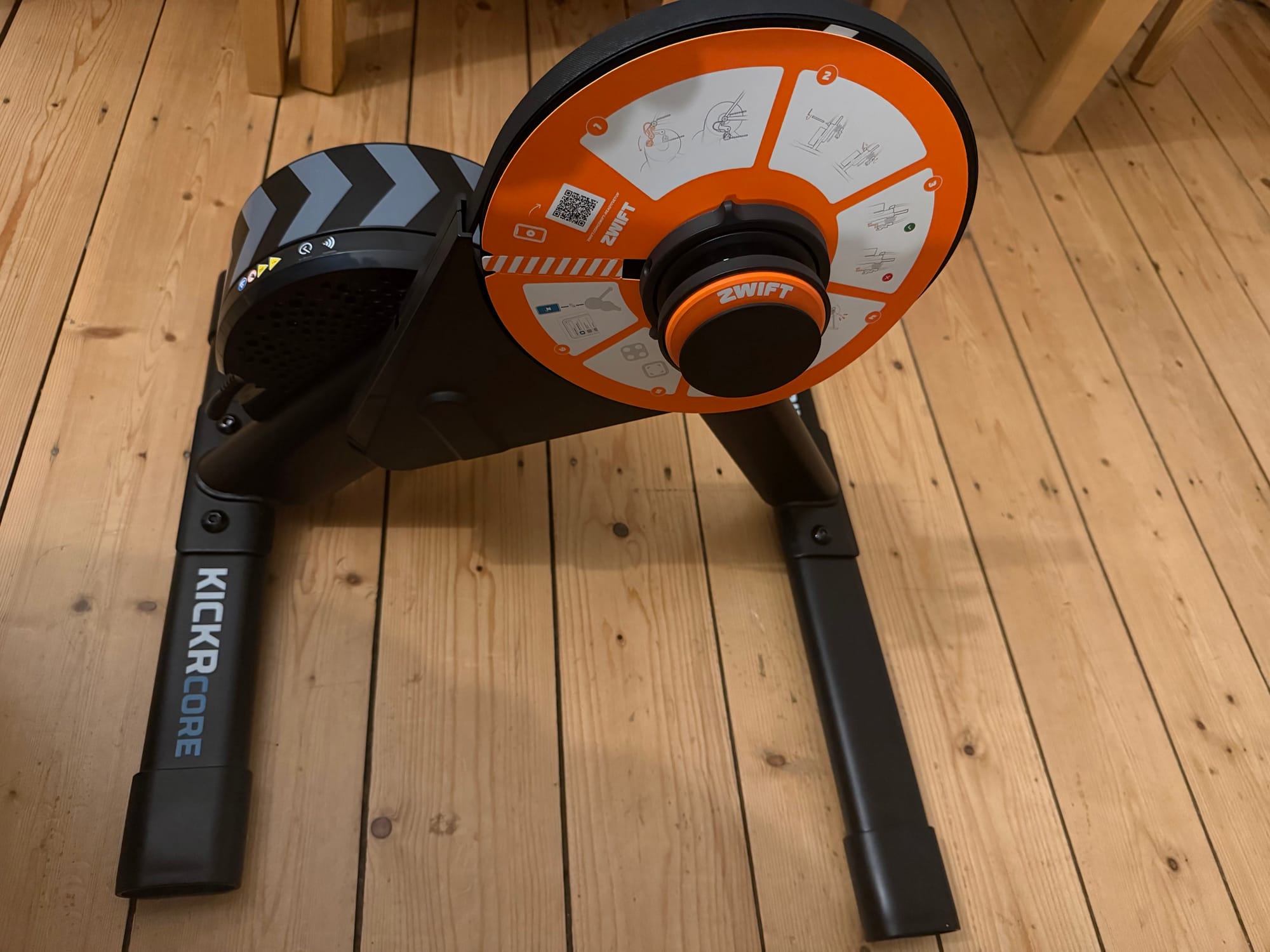
You start by measuring the gap between the two chain-stays on your bike. This is generally 130mm (road bikes) or 135mm (others). Depending on the measurement you then connect the correct adaptors for your bike.
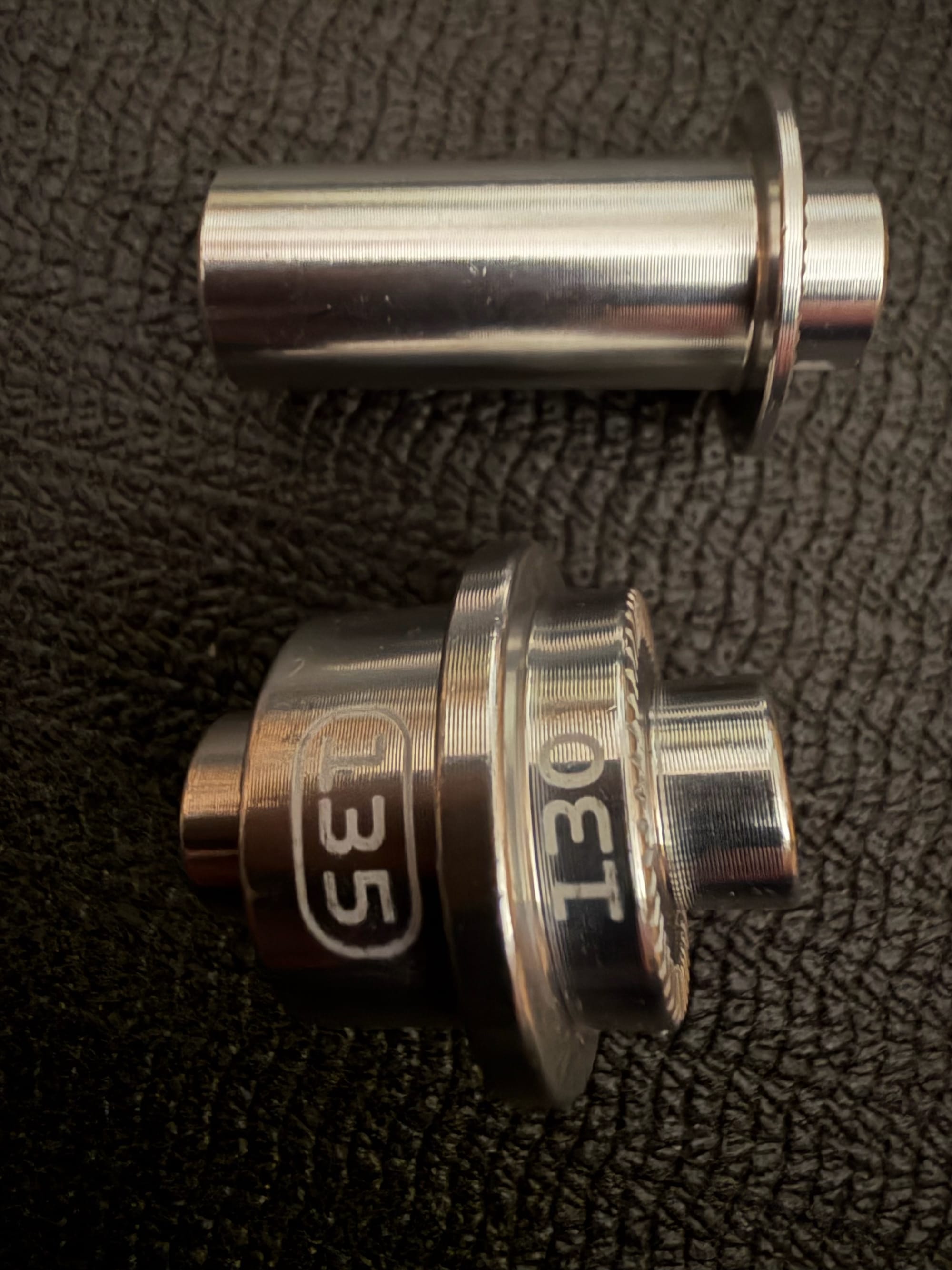
I’m using an older gravel bike (initially) which meant that I was using the 135mm QR adaptors (see above). You insert these into the Kickr hub and then grab whichever bike you are going to be using.
Remove the rear wheel, drop your chain onto the ‘middle’ gear and connect it to the Wahoo Core using the correct axle.
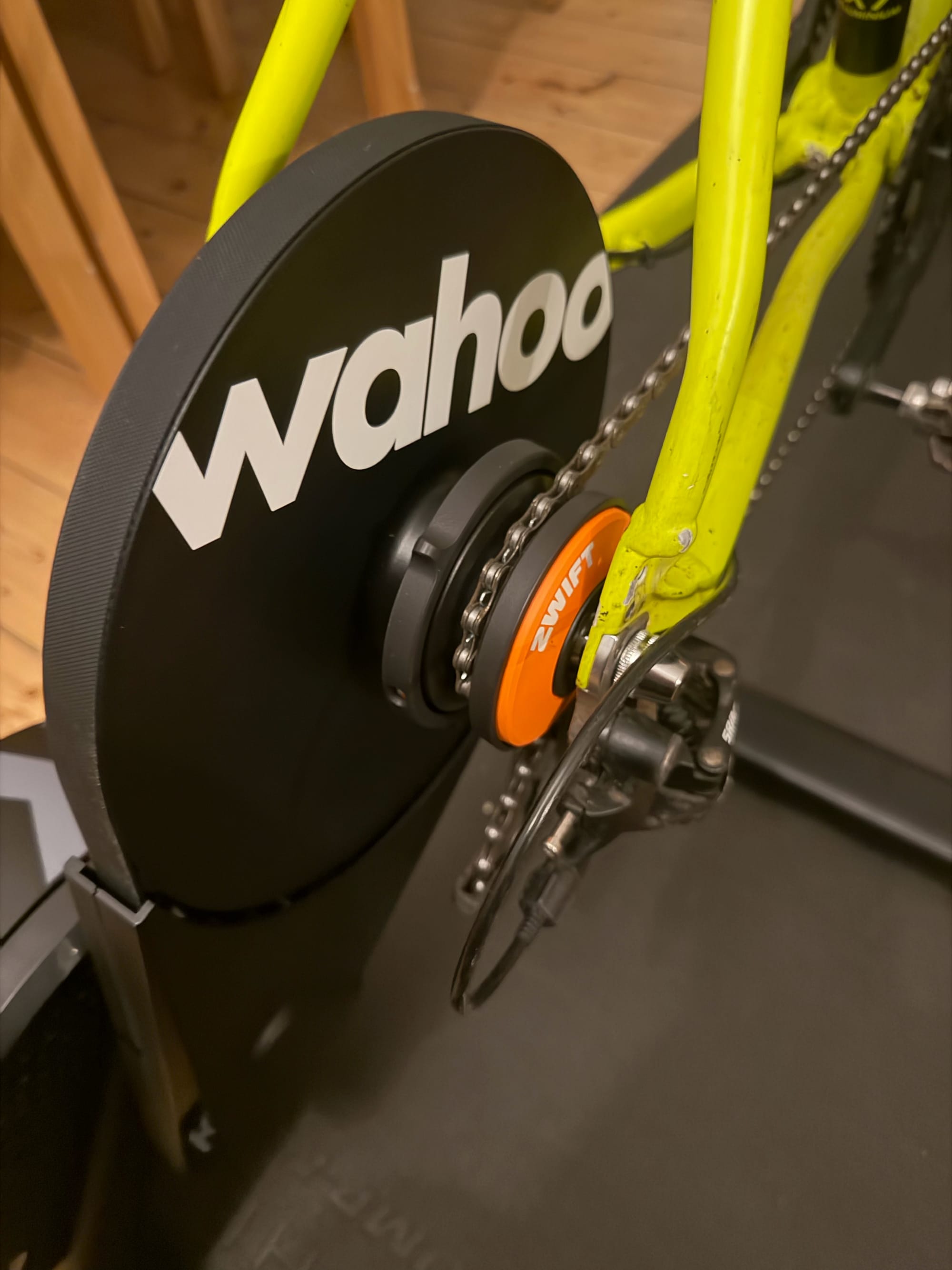
Once connected it’s time to download and install the Wahoo App. The instructions then guide you through connecting and updating the firmware.
Plug it it (a three pin and 2 pin plug is provided) and turn it on at the power. My phone picked it up almost immediately and informed me that a firmware update was due.
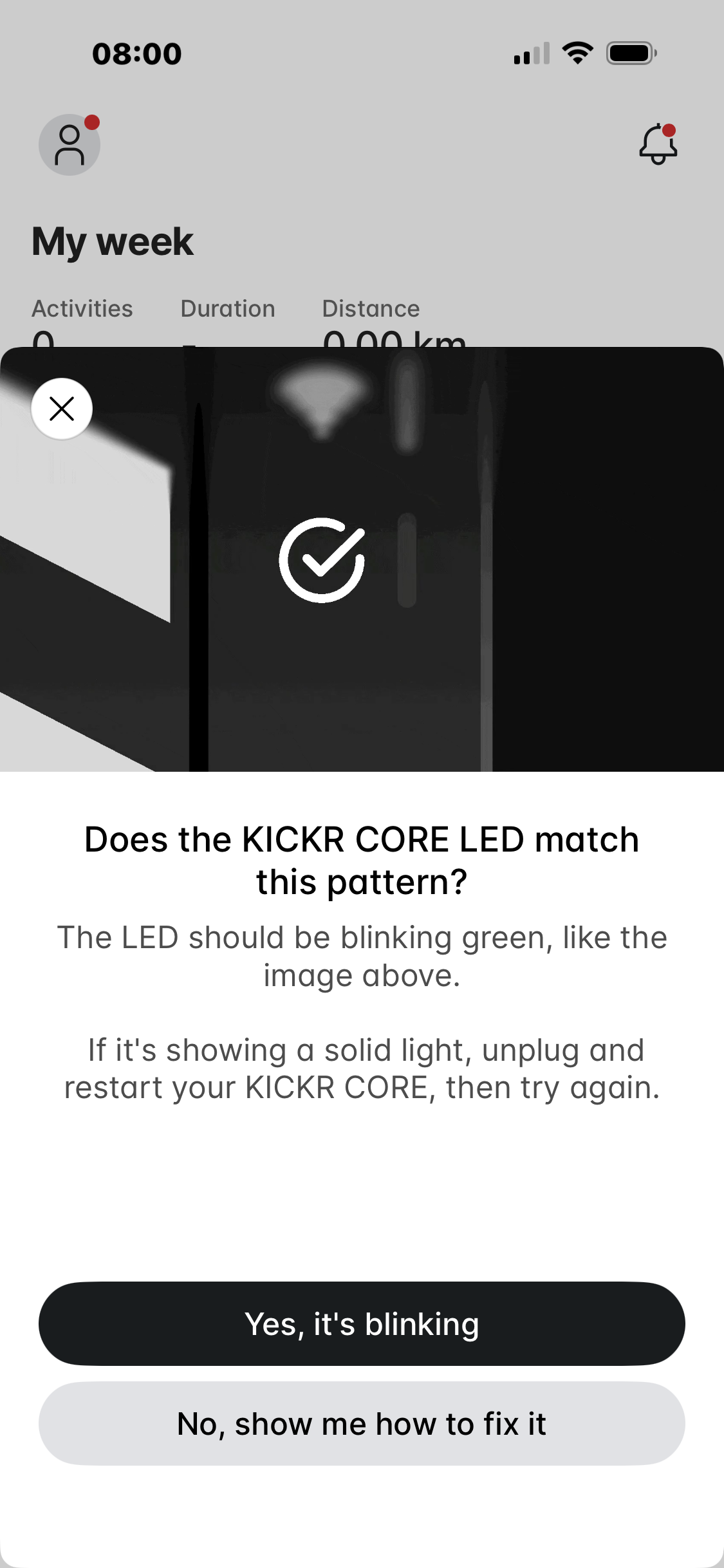
The update to version 3.4.22 took approximately 5 minutes. The whole set up took less than 15minutes with the most complicated part consisting of taking off the rear wheel without getting your hands too dirty from the chain!
Zwift
Now it appears there are lots of options for a virtual trainer. @wav3ydave gave a quick overview of a few of them on Mastodon.
Zwift: the biggest. virtual worlds, lots of people, racing events.
Rouvy: majors on AR video so you're riding in real places
TrainingPeaks virtual: like a more nerdy Zwift, tied to the TP platform so lots of training/logging stuff
MyWhoosh: like an empty soulless Zwift bankrolled by UAE. It's free, though.
Wahoo SYSTM: interval workouts overlaid on video footage
TrainerRoad: interval workouts not overlaid on video footage
Having not heard of most of these and, mainly because I had the Zwift Click system included, I’ve signed up for two free months on Zwift, which is included with the Kickr Core.
Initial impressions of Zwift are good - although I have little to compare it with at this point. Connection was quick and simply involved downloading the app.
I used my watch (Garmin Enduro) for heart rate, the Zwift Click for gears, and the Kickr Core for everything else. This all worked, and all data appears to have synced correctly to both Garmin Connect and Strava.
The onboarding is clear and involves three focused rides before you’re let loose - a practice ride, a workout, and then a course. All take approximately 20 minutes each.
I feel that Zwift is the equivalent of Strava. People may not generally like it, or think it’s too expensive (£17.99 a month) but it’s what everyone uses so cyclists are afraid to find an alternative (such as MyWoosh which is free?).
In use, the Kickr Core 2 is very quiet - I’m not sure my gears are perfectly lined up at the moment, and that’s something I need to tweak, but I’m going to change the bike I use on the Kickr, so I don’t want to mess too much with it yet.
I’ll make use of my free 2 months and then make a decision which app to continue using.
Any questions feel free to ask.